

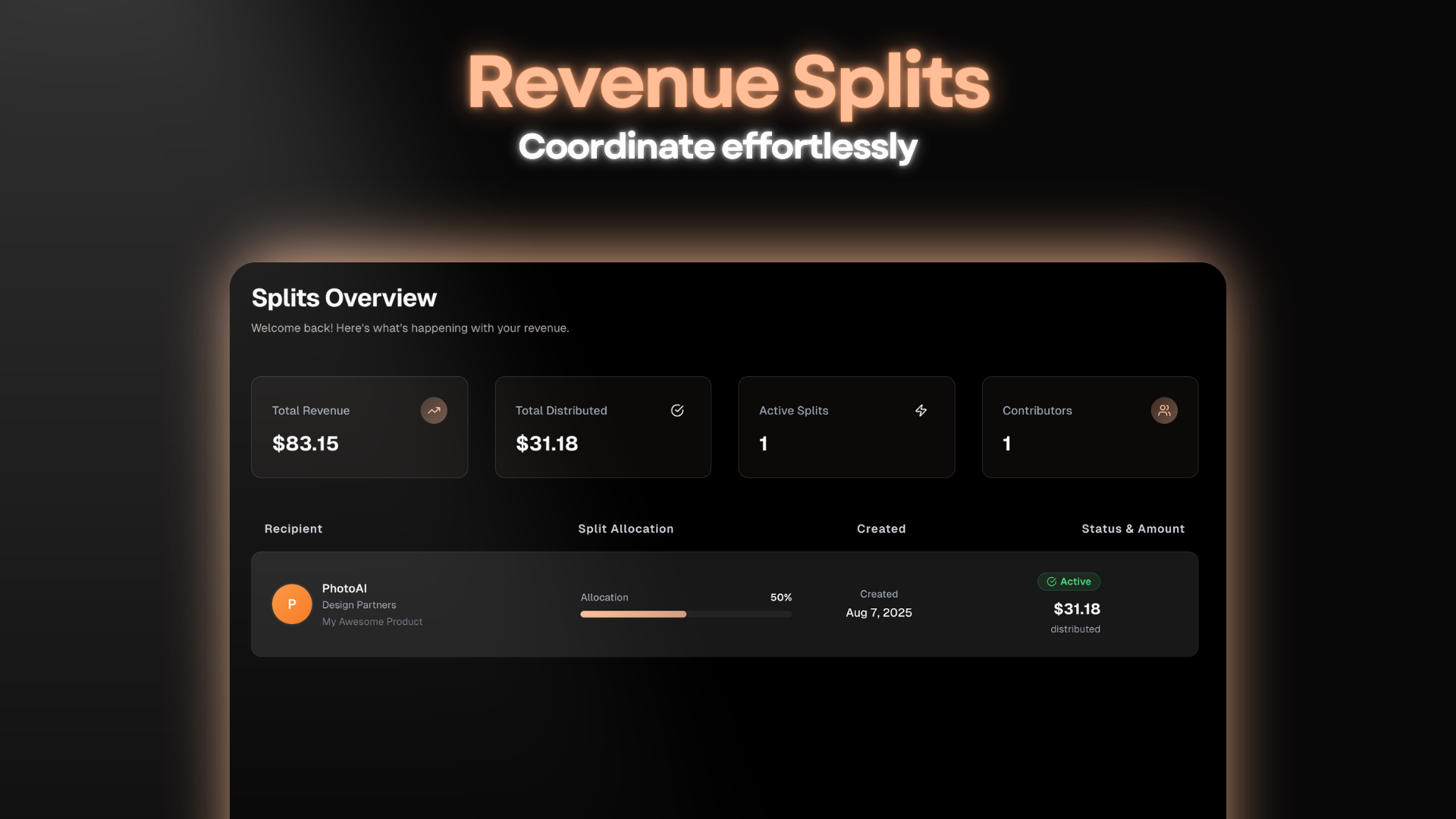
Understanding Revenue Splits
Revenue splits enable you to automatically distribute payments across multiple recipients when a transaction occurs. This is specially useful for businesses with co-founders, affiliate programs, business partners or any scenario where revenue needs to be shared between parties.Note: Split payments incur a 2% fee. This fee is deducted from the transaction amount before any commission is distributed to recipients.
Key Concepts
Use Cases
- Co-founder Partnerships: Automatically split revenue between business partners
- Affiliate Programs: Reward affiliates with percentage-based commissions
- Contractor Payments: Automatically pay freelancers and contractors a percentage of your product revenue
- Investment Agreements: Honor revenue sharing agreements with investors
- External Partners: Distribute revenue with external partners (e.g. a design agency)
- Bonuses and rewards: Distribute bonuses and rewards to your team members
Quick Overview
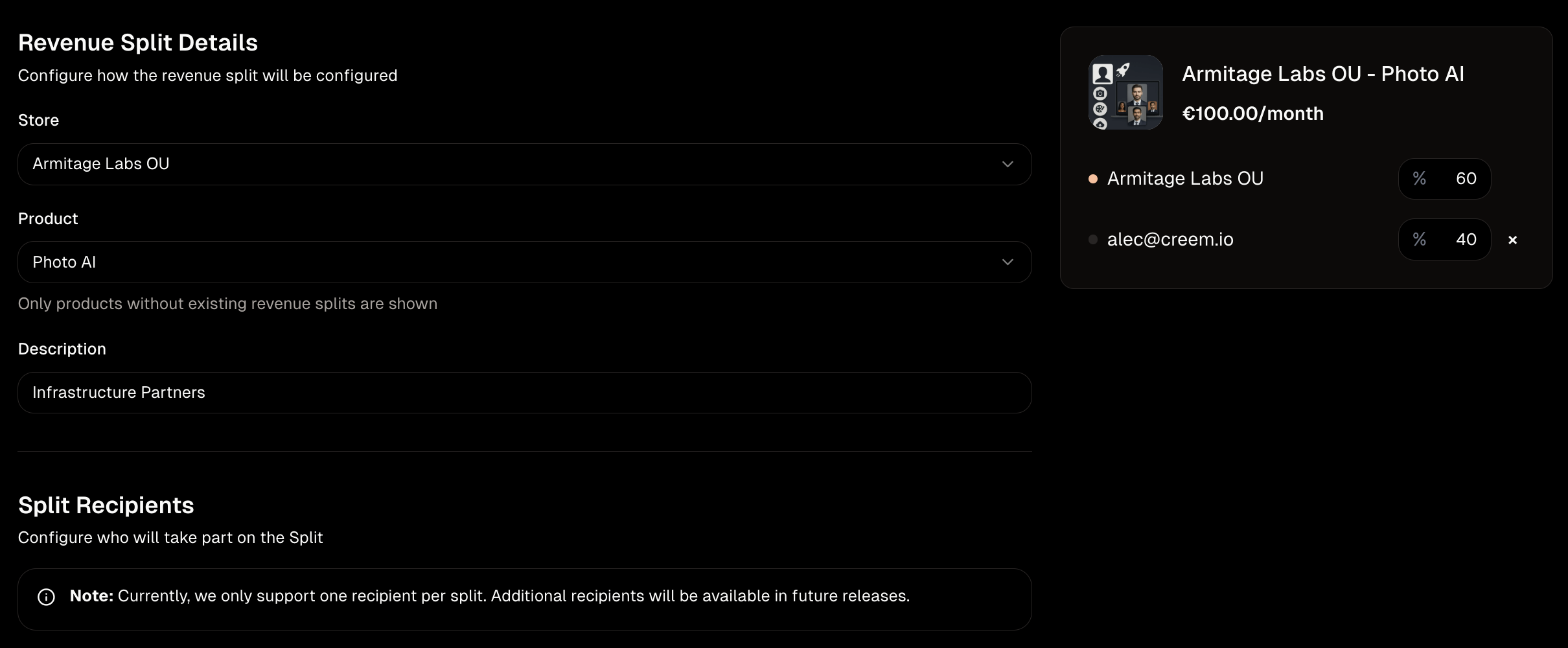
To create a revenue split, you’ll need to:- Have an active and verified store in Creem
- Your store needs to be in good standing (no pending charges, low amount of chargebacks, etc.)
- Have a product or products in your store
Recipients
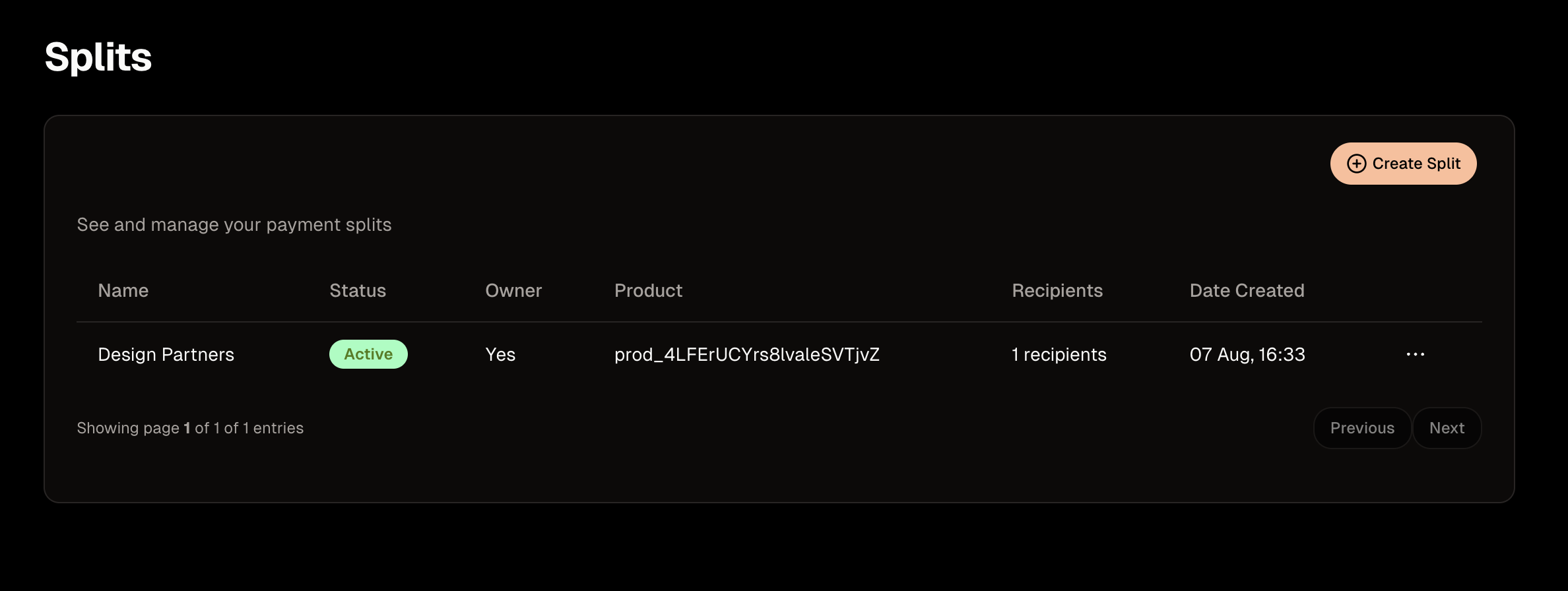
Each split recipients who receive their portion of the revenue gets paid out on the same schedule as the Merchant. Recipients can receive their funds via bank transfer, e-wallet payments, or stablecoin (USDC) payouts. Recipients can also see their commission payments in the splits overview page or in their Activity tab under their Store account on the main Creem dashboard.Managing Revenue Splits
Creem provides comprehensive tools for managing your revenue splits:- Real-time Dashboard: Monitor split performance and recipient payments
- Automated Distribution: Funds are automatically distributed according to your split rules
- Recipient Management: Add, remove, or modify recipients and their payout preferences
- Compliance Support: All splits are handled with proper tax documentation and reporting
Refunds and chargebacks
When you refund a split sale — or lose a chargeback on one — Creem can reverse each recipient’s share alongside your own, so a reversal is shared the same way the sale was. This is controlled by a per-split Split refunds setting:- New splits have it on by default — if the sale was split, the refund is split.
- Existing splits stay off, so nothing about your current payouts changes unless you opt in.
- You can turn it on or off at any time from the split’s detail page, next to Share customer info.
Note: As with any Creem refund, fees are not returned — this includes the 2% split fee. Only the distributed revenue is reversed.
Managing Splits via API
You can also create and manage revenue splits programmatically. A split applies either to your whole store (type: store) or to a single product (type: product), and can have up to 10 recipients with percentage shares summing to at most 100.
Recipients are either existing Creem stores (added by store ID) or email invitees. A split created with any email invitee starts disabled and activates once the first invitee accepts.